 TradingView Auto — Installation and user guide
A Windows app that reads signals on your TradingView chart and trades on MT5 or Binance Futures
TradingView Auto — Installation and user guideA Windows app that reads signals on your TradingView chart and trades on MT5 or Binance Futures
Watch on YouTube (with a chapter for each step): https://youtu.be/pYkrCgC2po8
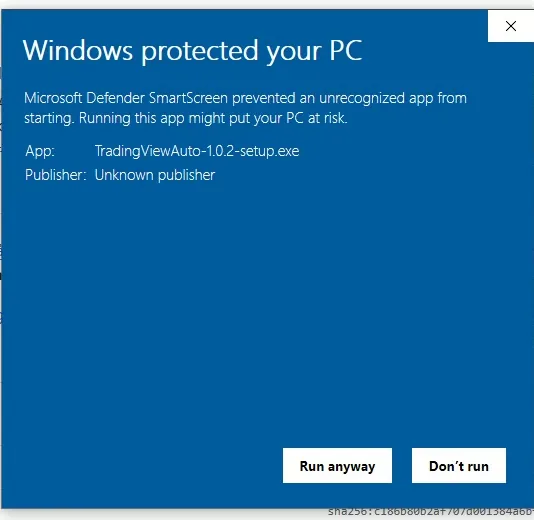
Download TradingViewAuto-setup.exe,
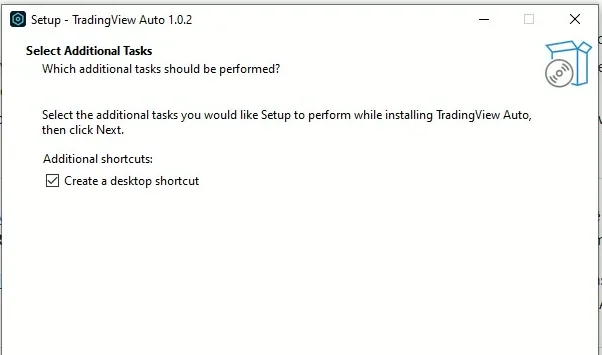
run it and click Next to the end. No Administrator rights needed. It installs to %LOCALAPPDATA%\Programs\TradingAutoTV by default, with a Start Menu shortcut.
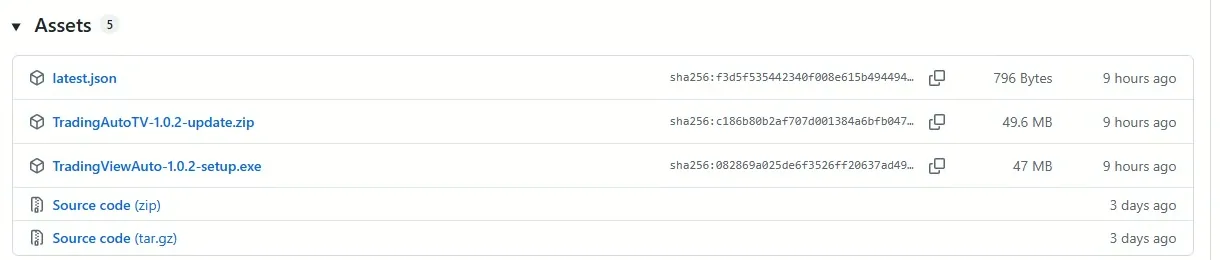
The app data (accounts, bots, logs) lives in the data folder next to the program; uninstalling keeps that folder.
The app checks for new versions and updates with a signed package, rolling back by itself if the update fails. The interface is in Vietnamese and English; the Guide section inside the app has every step below.
Watch this step in the video (1:27)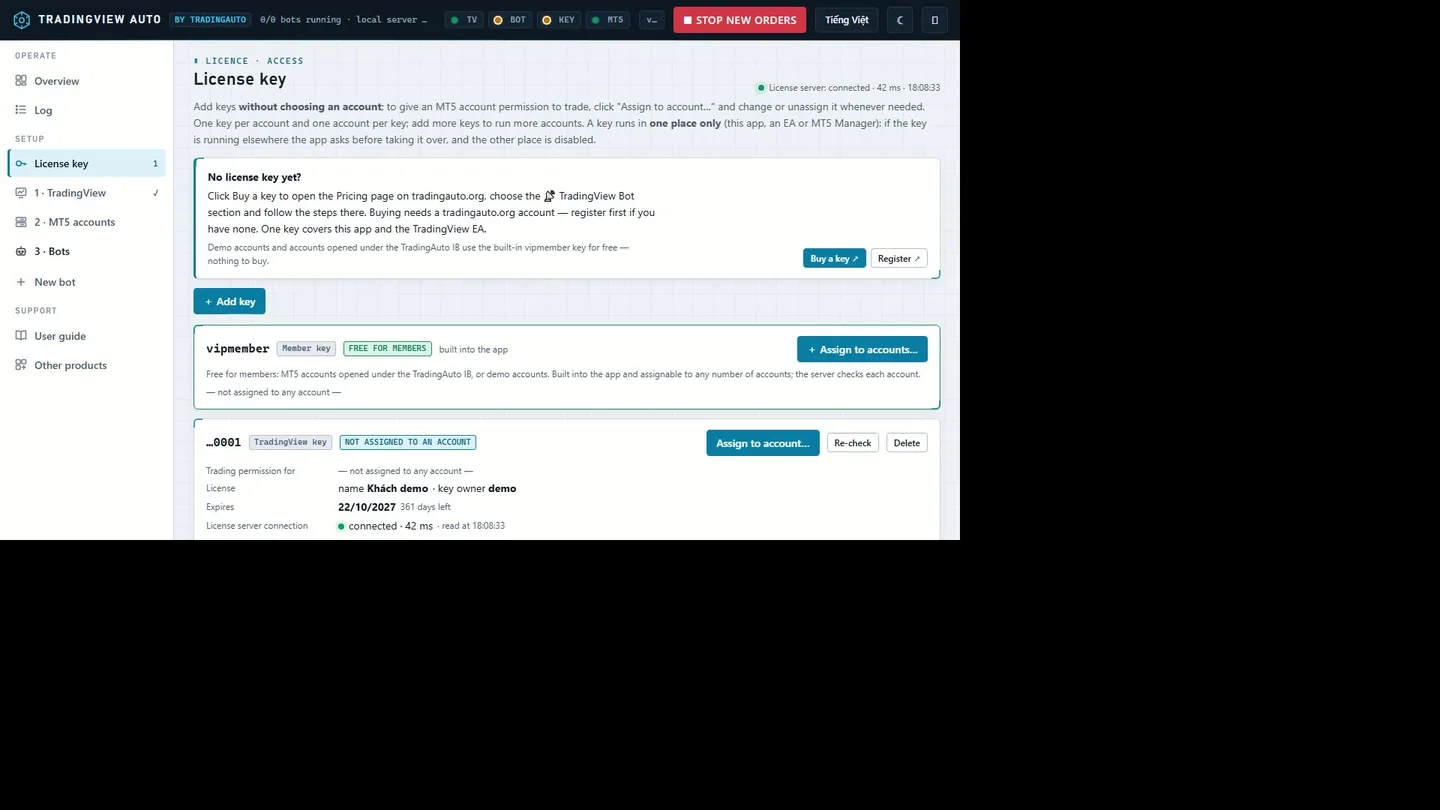
Without a key you can still add accounts, create bots, run WATCH ONLY and use Orders & tools — you just cannot send new orders.
Watch this step in the video (2:47)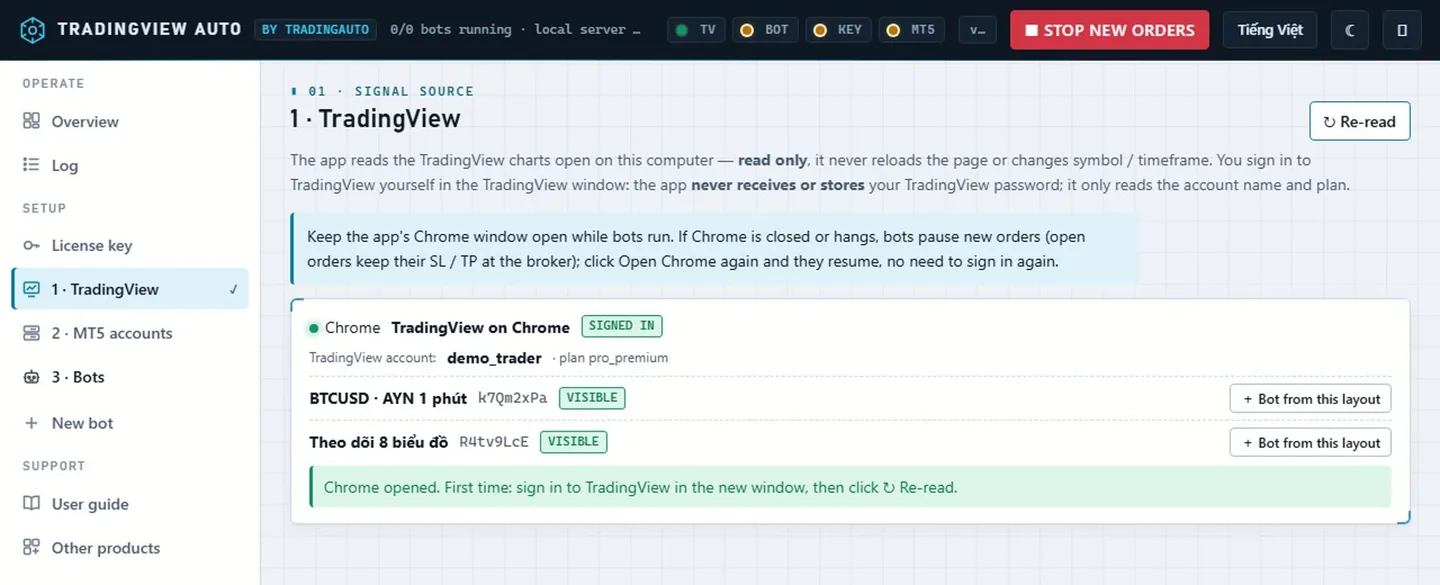
Strategies / indicators the bot watches must be visible on the chart: TradingView does not calculate hidden indicators, so they give no signals.
Watch this step in the video (3:11)MT5 account
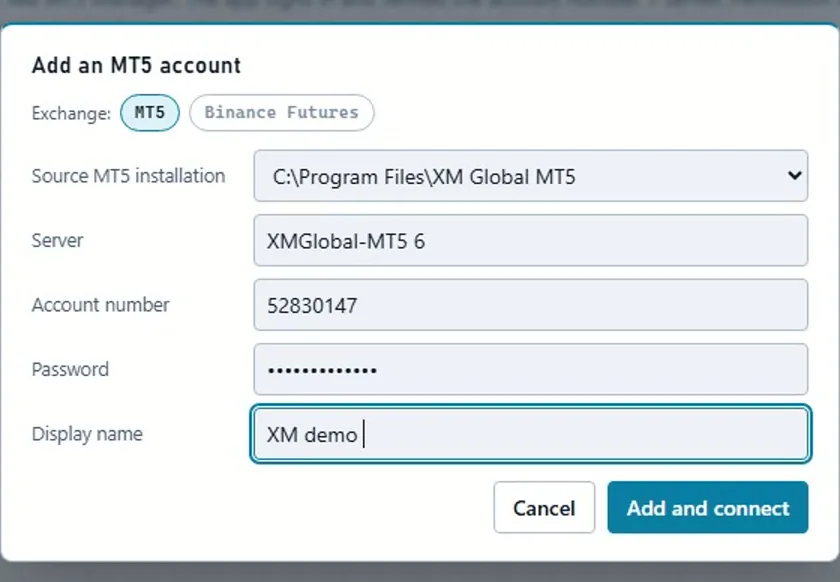
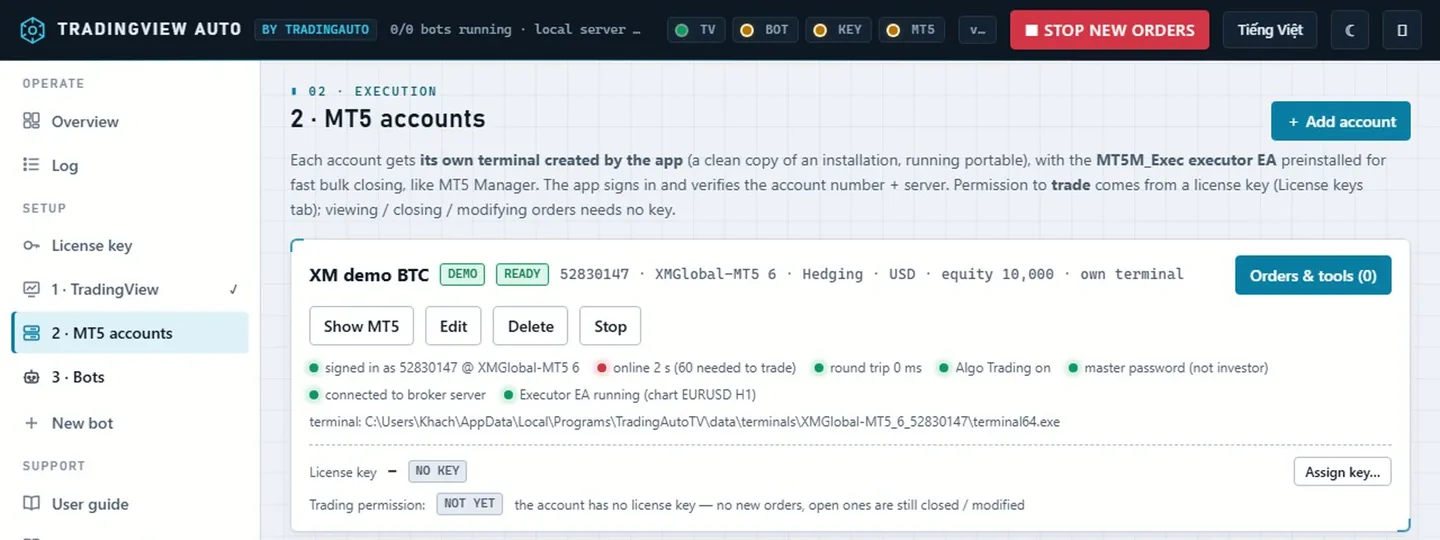
The password stays on the machine (127.0.0.1), is encrypted by Windows as soon as it arrives, is never shown again and never logged.
Binance USDⓈ-M Futures
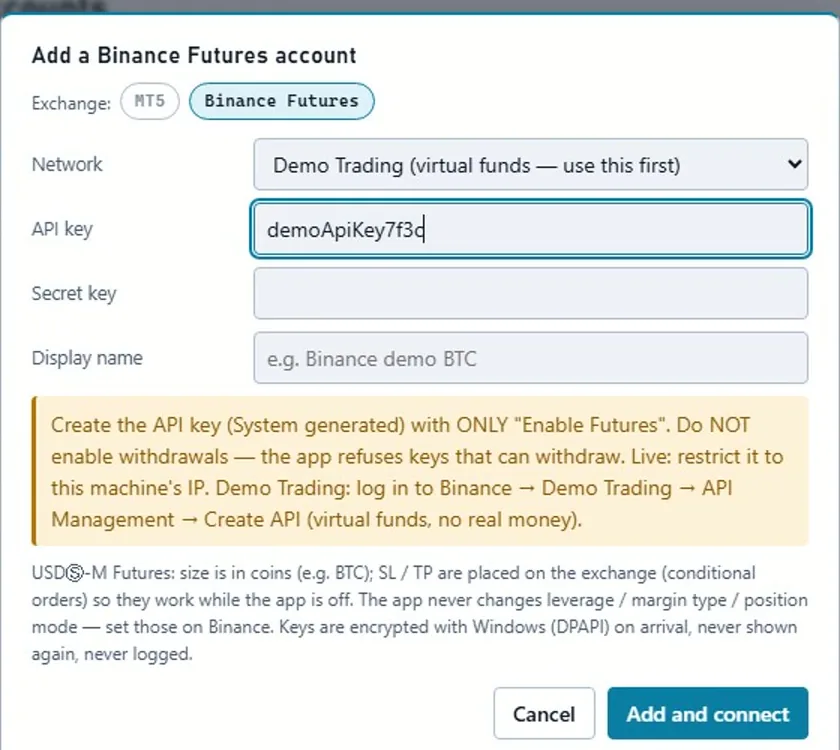
The bot wizard has 5 steps:
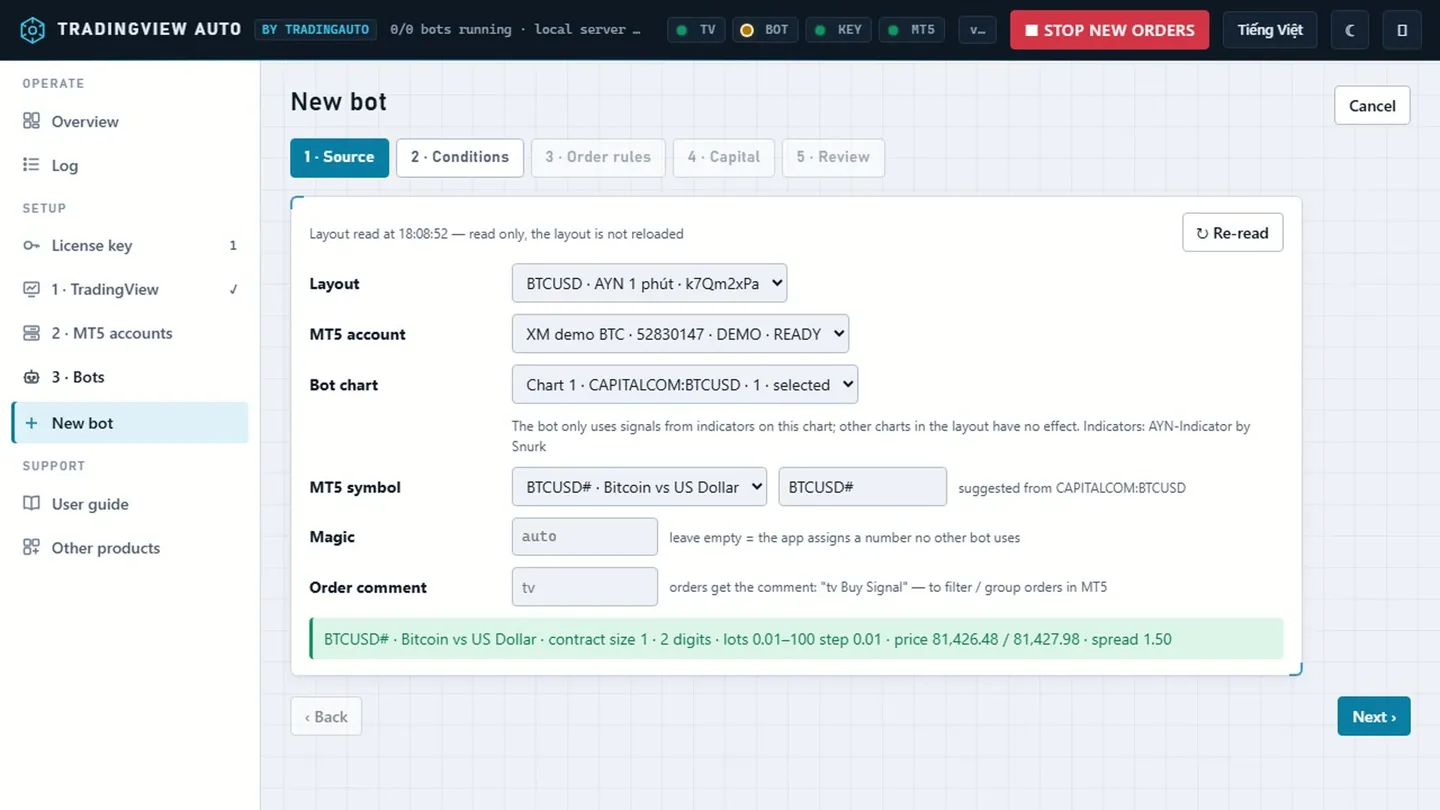
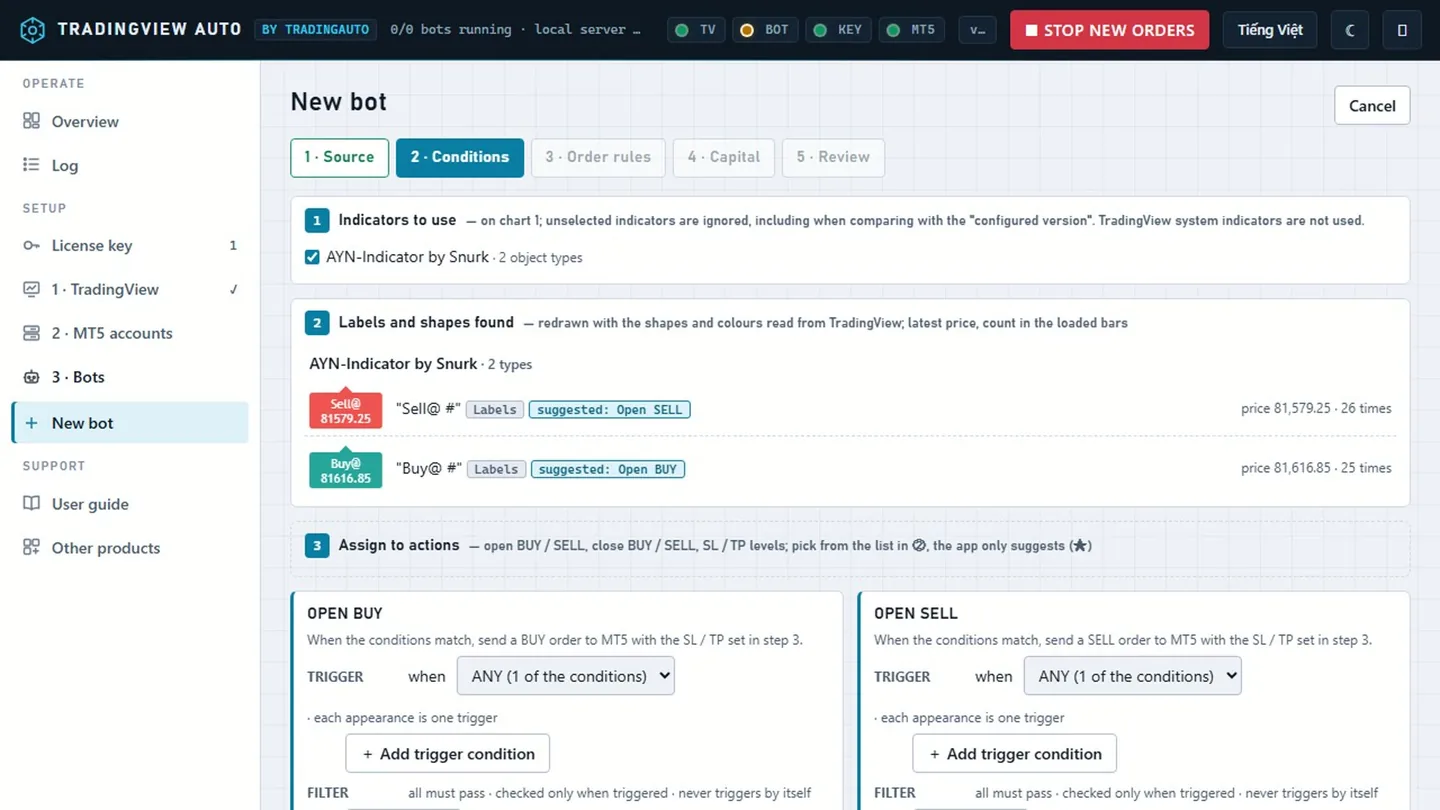
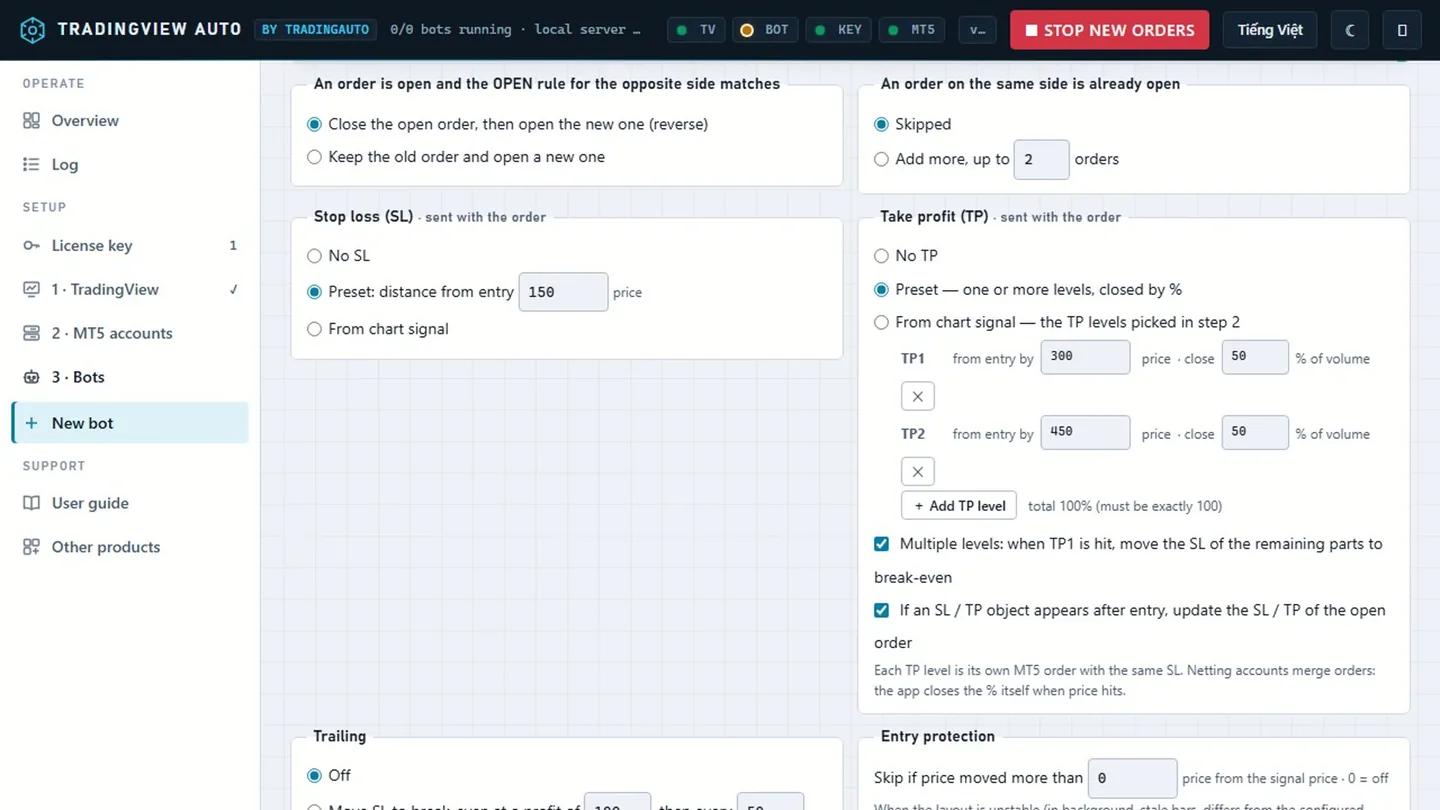
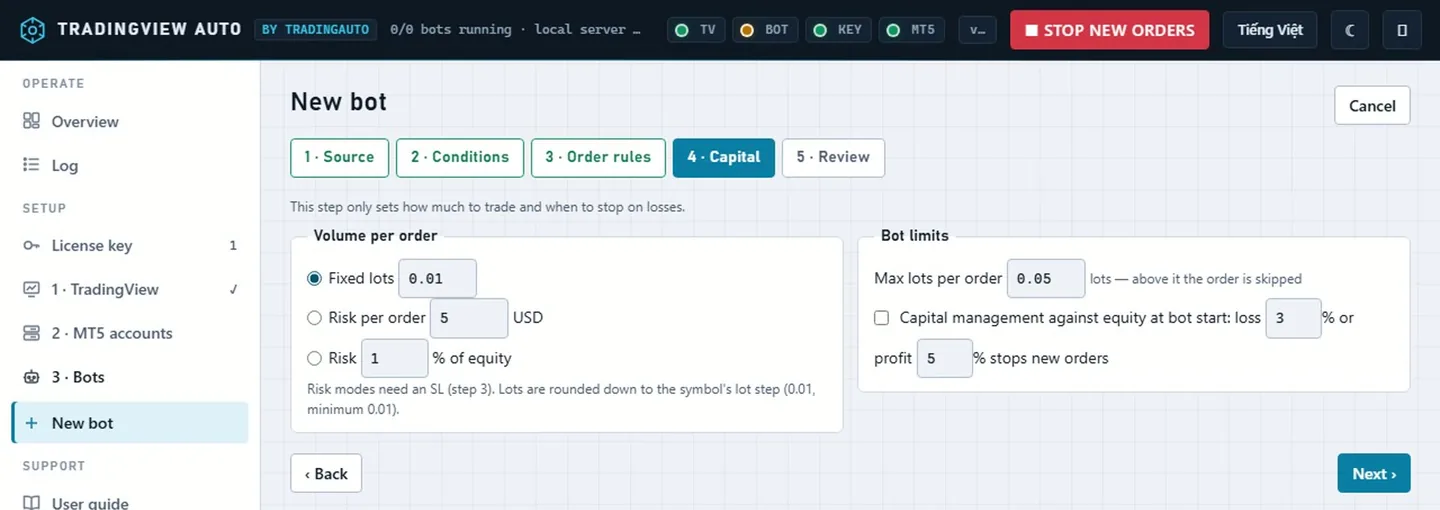
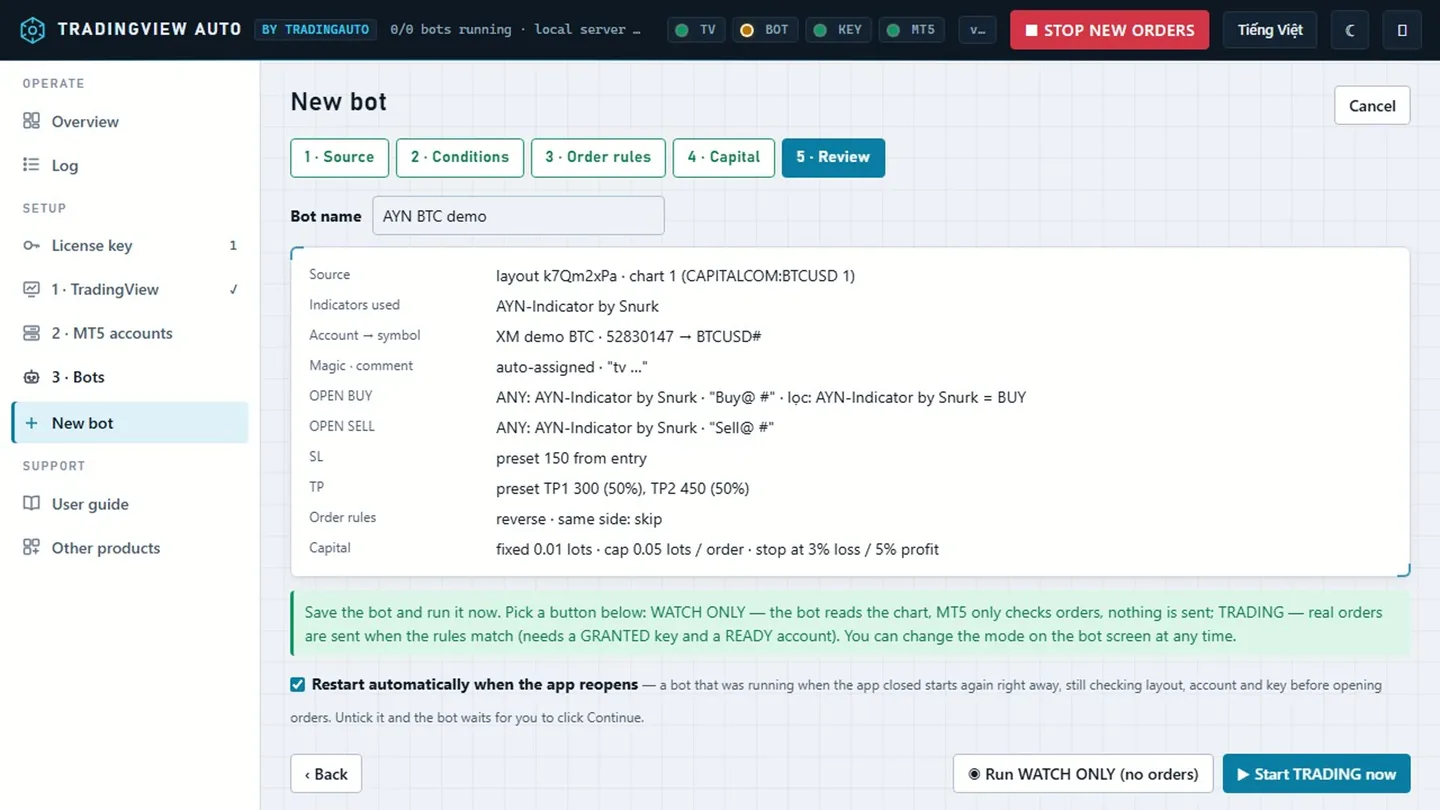
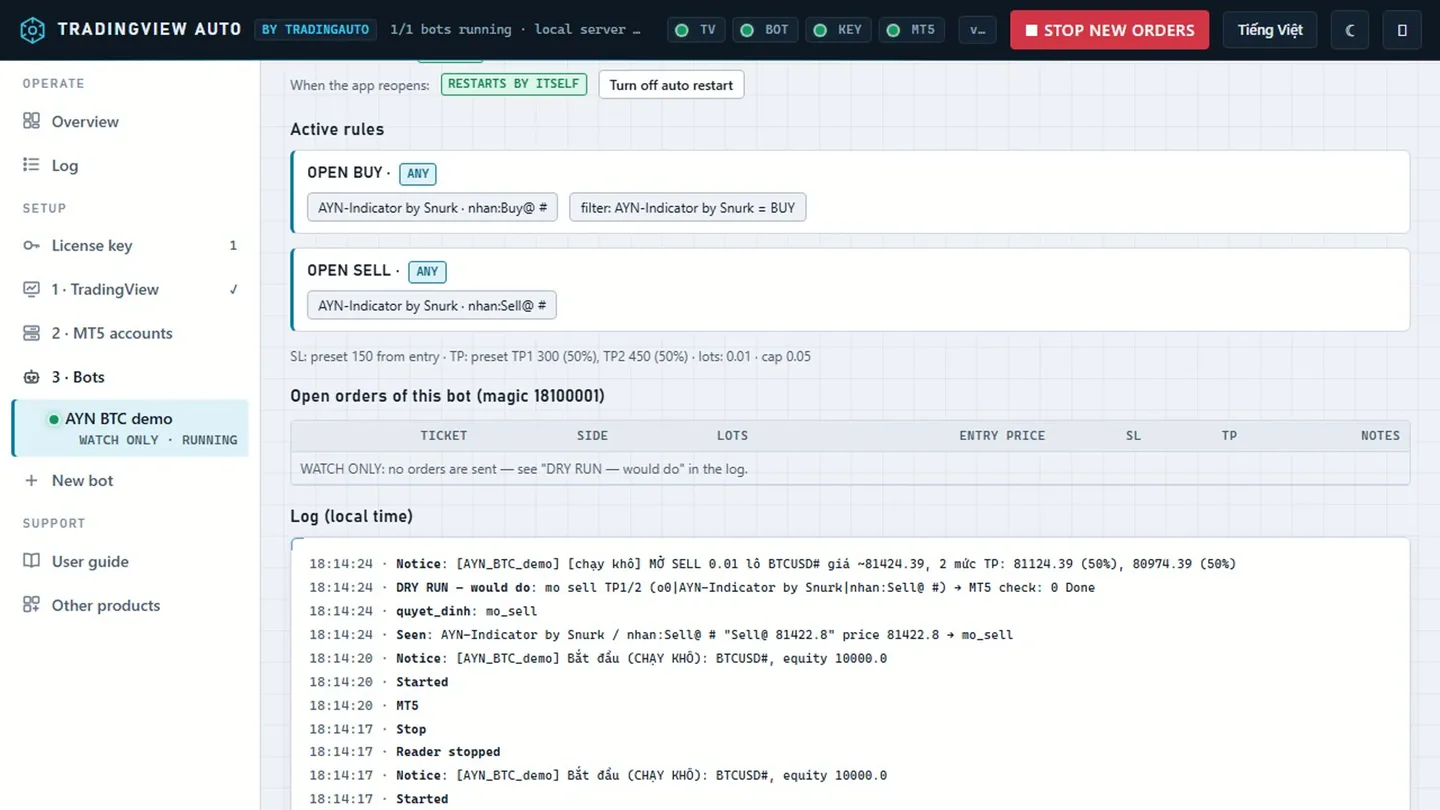
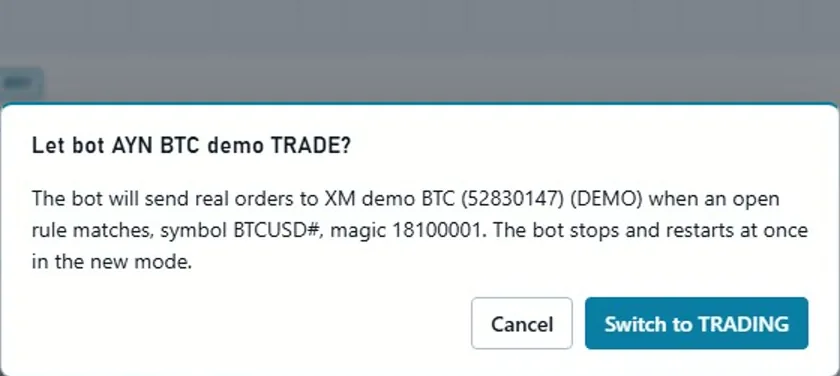
A bot that was running when the app closed restarts by itself when the app opens again (the Restart automatically when the app reopens box, on by default). It still checks everything before opening orders: the right account, the layout matching the configured version, a GRANTED key. With the box off the bot comes back as AWAITING CONFIRMATION until you click ▶ Continue.
Watch this step in the video (7:13)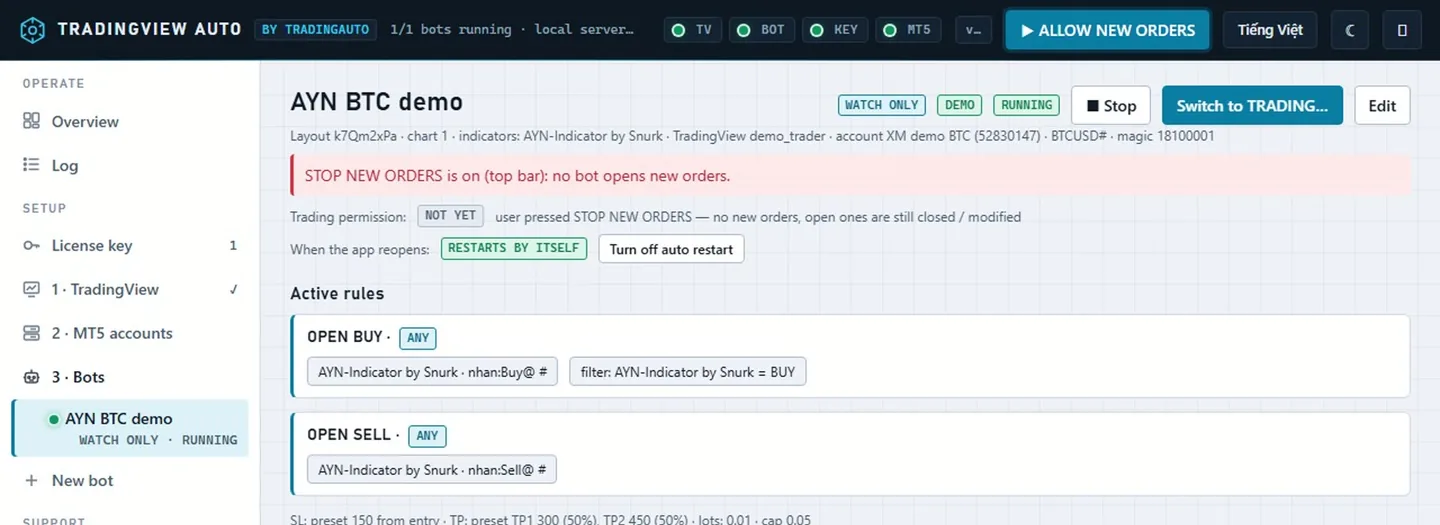
The Orders & tools button on an account card opens every open order (including manual and other EAs' orders): quick select by profit / loss / no SL / symbol / magic; close all, close part by %, set SL / TP on many orders at once. Dry run is on by default; turn it off and the app asks for confirmation before sending for real. No license key needed.
The Log section merges events from every bot, account and key, newest first, by level ERROR / ORDER / SIGNAL / WARNING / INFO. Filter by source, bot, level and text, and download exactly the filtered rows as CSV.